
Automate repetitive browser tasks with no code
Browse on the left, build workflows on the right — and schedule runs in minutes.
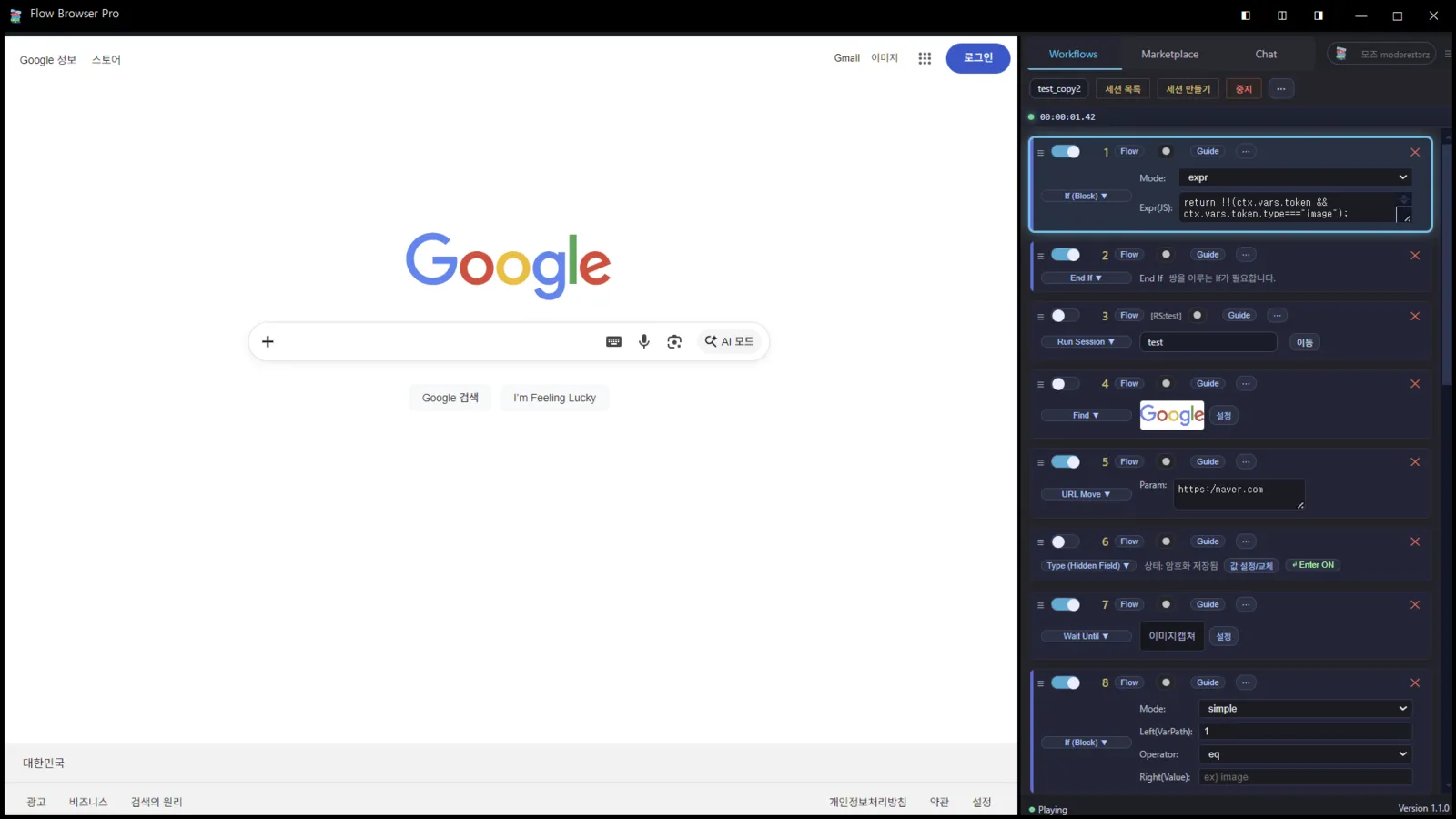
From building to running automations — in one place
Workflows · Marketplace · Autopilot
No-code Workflow Builder
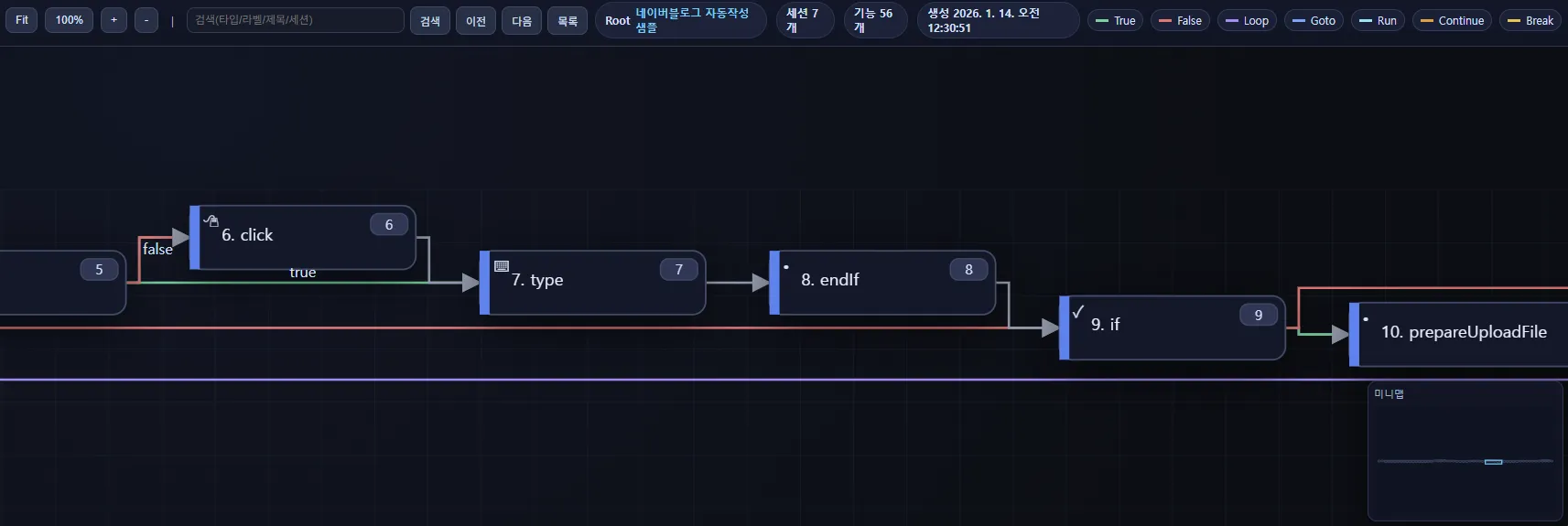
Design branching, loops, and exceptions — then debug your runs to make them stable.
Marketplace
Import verified workflows and run them instantly.
Autopilot
Manage scheduled publishing in a calendar — and run it repeatedly.
How it works
Automation in 3 steps
1) Capture / Detect
Find click targets reliably with Image + DOM signals.
2) Branch / Loop
Build resilient scenarios with branching, loops, and retries.
3) Schedule / Run / Share
Schedule runs and manage results (success/failure) at a glance.
Product highlights
Workflows · Autopilot · AI
No-code Workflow Builder
Design branches/loops/exceptions with no code — then debug runs and harden stability.
Prompt Planner · Autopilot
Plan with a wizard — operate execution states (planned/running/done/failed) in a calendar.
AI · Profiles · Security
From draft/title/tag generation to profile isolation and secure inputs (TypeHidden).
Solutions
Ready-to-apply automations by industry & team
Local businesses
Automate bookings, inquiries, reviews, and content publishing.
E-commerce
Product listing, option/price updates, inventory & review monitoring.
Creators / Content teams
AI drafts → scheduled publishing → sharing with Autopilot operations.
Marketing / Agencies
Report collection, competitor monitoring, repeated uploads.
Ready-to-run automations
See more
Save time
“I automated a daily repetitive task with a 5‑minute setup.”
Monthly runs (internal test, 2026.01)
2,000+
Avg. failure rate (internal test)
0.9%
Marketplace workflows
10+
Security · Privacy
- TypeHidden — hidden-field inputs are stored locally only (encrypted)
- Profile isolation — improved stability with Cookie Init / AdBlock
- Marketplace moderation — reporting/blocking/audit signals
- Execution logs — stored on the user’s PC only (not uploaded)
- Server-stored items — workflows, matching screenshots, autopilot success/failure metadata
Start light with monthly included credits
Volume discounts apply to plans and add-on credits
FAQ
Frequently asked questions
Download and run the installer. On first launch, you can load sample workflows.
Reduce the capture area and enable DOM metadata. Increasing timeout/scroll retries can improve stability.
Use clear labels/jumps and always add an exit path. Set appropriate timeouts for waitUntil.
It depends on monthly slots and image-generation options. Check burn-rate predictions and alerts in the dashboard.
Download for Windows
Setup guide · Sample bundle
System requirements: Windows 10/11, 8GB RAM recommended
Quick start
- Install and log in
- Load sample workflows (5)
- Run popular workflows from the Marketplace
Resources
Docs · Release notes · Community